Generative AI (Gen AI) is no longer just another technology trend. It has become a practical business tool that finance teams use every day to reduce repetitive work, improve accuracy, and make faster decisions.
Yet, many businesses still struggle with one question.
"Where should we actually start?"
The internet is full of articles explaining what GenAI is. Very few show you how finance teams are using it in real business situations.
That's exactly what this guide is about.
Whether you're a CFO, Finance Manager, Business Owner, or part of an accounts team, you'll discover five practical GenAI use cases that can save time and improve productivity. More importantly, you'll learn which tools to use, how to use them, and where human judgment still matters.
Let's get started.
Turn Hours of Invoice Processing into Minutes
Invoice processing is one of those tasks that nobody enjoys, yet every finance team has to do it.
Think about your own business.
Every supplier invoice needs someone to verify the vendor name, GST number, invoice amount, tax details, purchase order, due date, and payment terms. Even if this takes only five minutes per invoice, the hours add up quickly.
Now imagine your finance executive receives 300 invoices every month.
That's nearly 25 hours spent on repetitive data entry.
GenAI can dramatically reduce this effort.
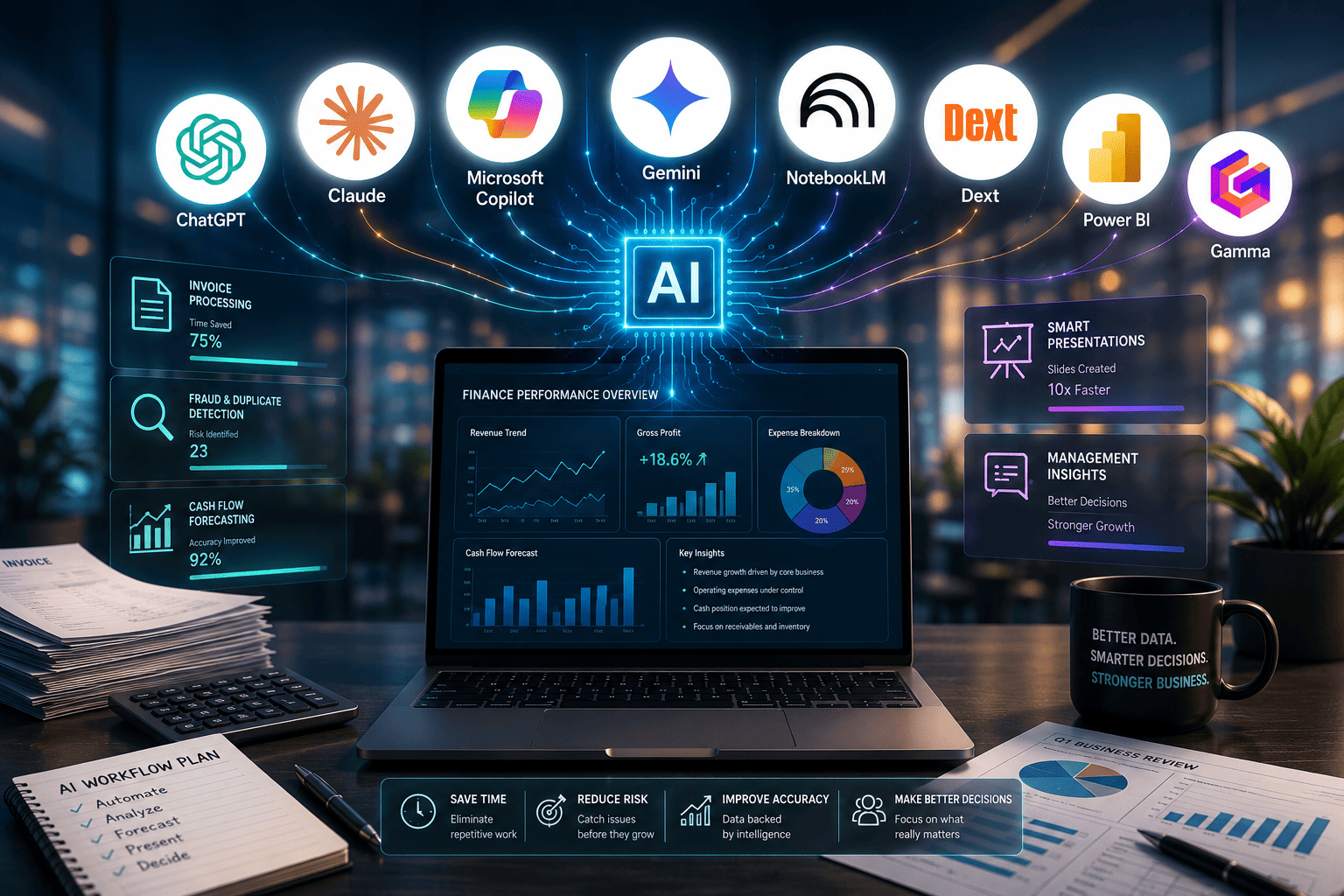
Recommended Tools
These tools can read invoices, extract important information, and present it in a structured format within seconds.
A Practical Example
Suppose you receive an invoice from ABC Packaging Pvt. Ltd. for ₹1,48,500.
Instead of manually reviewing every detail, upload the invoice to your preferred AI tool and use the following prompt.
"Extract all important details from this invoice into a table. Include the vendor name, invoice number, GSTIN, invoice date, due date, taxable amount, GST amount, total invoice value, and payment terms. Highlight any missing information or duplicate invoice numbers that require manual review."
Within seconds, AI prepares a structured summary.
Instead of typing these details manually, your finance executive simply verifies the information before uploading it into the ERP.
Notice the difference.
AI doesn't replace your approval process.
It removes the repetitive work that adds little value.
Bonus Tip: Go One Step Further
If your invoices arrive through Outlook or Gmail, you can combine Microsoft Power Automate with Microsoft Copilot.
The workflow can be surprisingly simple.
- A supplier emails an invoice.
- The invoice is automatically saved.
- AI extracts the important details.
- The information is entered into your ERP or accounting software.
- An approval request is sent to the Accounts Manager.
What previously required multiple manual steps now happens with minimal intervention.
Where Human Judgment Still Matters
AI can read an invoice.
It cannot decide whether the purchase was actually authorized.
Your finance team should still verify:
- Whether the goods or services were received.
- Whether the purchase order matches the invoice.
- Whether the pricing follows the agreed contract.
- Whether the payment should be released.
Think of AI as a highly efficient assistant, not the final approver.
💡 Grevx Tip: Never upload confidential financial documents to public AI tools unless your organization has approved their use. If you're working with sensitive financial data, consider enterprise AI solutions with appropriate security controls or consult an AI Consulting partner to implement a secure workflow.
Create Better Management Insights
Imagine it's the last working day of the month.
Your CFO has a board meeting tomorrow morning and needs a clear summary of the company's financial performance. The numbers are ready, but someone still has to explain why sales dropped, why expenses increased, and which business units need management attention.
This is where AI becomes extremely useful.
Instead of spending two or three hours writing management commentary, you can use AI to prepare the first draft in just a few minutes.
Recommended Tools
- Claude
- Microsoft Copilot
- ChatGPT
- Google Gemini
Each of these tools can analyse financial statements and convert numbers into business insights.
Practical Example
Suppose your monthly Profit & Loss statement shows the following:
| Particulars | February | March |
|---|---|---|
| Revenue | ₹2.10 Cr | ₹1.92 Cr |
| Gross Profit | ₹88 Lakhs | ₹75 Lakhs |
| Employee Costs | ₹26 Lakhs | ₹30 Lakhs |
| Marketing Expenses | ₹8 Lakhs | ₹14 Lakhs |
You could spend an hour studying the report before writing your observations.
Or you could ask AI to prepare a structured summary.
Prompt You Can Try
"Act as the CFO of a manufacturing company. Analyse the attached Profit & Loss statement. Identify the five biggest financial changes compared to the previous month. Explain possible business reasons for each change. Suggest three strategic actions management should consider. Keep the language simple enough for board members without a finance background."
Within seconds, AI may generate observations like these:
- Revenue declined by 9%, indicating lower customer demand or delayed order execution.
- Gross margins reduced because raw material costs increased faster than sales prices.
- Employee costs increased due to seasonal hiring and overtime expenses.
- Marketing expenditure almost doubled, suggesting an aggressive customer acquisition campaign.
- Operating profitability declined and requires closer monitoring over the next quarter.
Notice something important.
AI is not merely describing the numbers.
It is connecting financial performance with possible business reasons.
That gives you a much stronger starting point for discussions with management.
The Human Touch Still Matters
AI can identify patterns.
It cannot attend your sales meetings or understand why a major customer delayed an order.
Before sharing the report, you should validate every observation using your business knowledge.
Sometimes AI may suggest that revenue declined because of lower demand.
In reality, the delay could simply be due to a large shipment scheduled for the first week of the next month.
Finance professionals provide context.
AI provides speed.
Together, they create much better reports.
Bonus Tip: Create Different Reports for Different Leaders
One report rarely satisfies everyone.
Your CEO wants strategic insights.
The Sales Head wants revenue analysis.
The Operations Head wants production costs.
Instead of preparing three separate reports manually, ask AI to customise the same financial data for different audiences.
For example:
"Summarise this P&L for the CEO in less than 250 words. Focus on profitability, cash flow and business risks."
"Explain this report for the Sales Director. Focus only on revenue trends, customer profitability and sales performance."
💡 Grevx Tip: AI should prepare the first draft of your management commentary. The final report should always be reviewed by a finance professional before it reaches senior management.
Detect Duplicate Payments Before They Become Expensive Mistakes
Every finance leader has a story about an accidental duplicate payment.
Sometimes the supplier submits the same invoice twice.
Sometimes two team members process the same invoice independently.
Sometimes an invoice number differs by just one digit, making it difficult to detect during manual reviews.
These mistakes often go unnoticed until the internal audit or year-end reconciliation.
By then, recovering the money can become difficult.
Fortunately, this is an area where AI performs exceptionally well.
Unlike humans, AI never gets tired of comparing thousands of rows of data.
Recommended Tools
- Microsoft Copilot
- ChatGPT
- Claude
- Power BI
- Caseware IDEA (for larger audit teams)
These tools can analyse thousands of transactions within minutes and identify unusual patterns that deserve attention.
Practical Example
Imagine your accounts payable register contains 6,500 invoices.
Manually checking each invoice for duplicates would take several days.
Instead, export the following fields from your accounting software:
- Vendor Name
- Invoice Number
- Invoice Date
- Invoice Amount
- GST Number
- Payment Date
Upload the spreadsheet after removing confidential information.
Prompt You Can Try
"Review this accounts payable data and identify possible duplicate payments. Compare invoice amounts, invoice dates, vendor names, GST numbers and invoice references. Explain why each transaction appears suspicious and assign a confidence level for every potential duplicate."
Instead of returning thousands of rows, AI highlights only the transactions that require attention.
For example:
| Vendor | Invoice Number | Amount | AI Observation |
| ABC Packaging | INV-4589 | ₹84,750 | Same amount, same date and similar invoice number. Possible duplicate. |
| XYZ Logistics | INV-1123 | ₹52,000 | Same invoice uploaded twice with different payment references. |
| Sunrise Chemicals | SC-987 | ₹1,24,500 | Duplicate GST details found. Manual verification recommended. |
Your finance team now investigates only three or four transactions instead of reviewing thousands.
Looking Beyond Duplicate Payments
AI can also identify other financial risks.
For example:
- Vendors receiving unusually frequent payments.
- Round-value transactions that deserve additional scrutiny.
- Multiple invoices approved just below the approval threshold.
- Sudden increases in purchases from a particular supplier.
- Weekend or holiday transactions that fall outside normal business activity.
These patterns may not always indicate fraud.
However, they certainly deserve further investigation.
Where Human Judgment Is Essential
AI highlights unusual transactions.
It does not decide whether fraud has occurred.
Perhaps the supplier genuinely issued two invoices on the same day.
Perhaps the second payment relates to a different purchase order.
Only your finance team can verify the supporting documents before taking action.
Think of AI as an intelligent risk detector rather than an investigator.
It tells you where to look.
You decide what needs to happen next.
Bonus Tip: Review Vendor Trends Every Quarter
Instead of analysing duplicate payments only after year-end, schedule a quarterly AI review of your vendor payments.
Regular reviews help identify process weaknesses before they become expensive problems.
Over time, this creates stronger internal controls without increasing your team's workload.
💡Grevx Tip: AI is particularly effective at identifying patterns across large volumes of financial data. It should support your internal controls—not replace them. Combining AI with periodic human reviews creates a far more reliable payment process than relying on either one alone.
Forecast Cash Flow Before It Becomes a Problem
Ask any CFO what keeps them awake at night, and one answer appears almost every time.
Cash flow.
A profitable business can still struggle if cash isn't available when salaries, vendors, or loan repayments become due.
Unfortunately, many finance teams still prepare cash flow forecasts manually. They export reports from multiple systems, update Excel sheets, and make assumptions based on experience. By the time the forecast is ready, the numbers may already be outdated.
AI can significantly speed up this process by analysing historical transactions, identifying patterns, and highlighting potential cash shortages before they occur.
Recommended Tools
- Claude
- Microsoft Copilot
- Google Gemini
- ChatGPT
These tools help you analyse cash movements and generate forecasts in minutes.
Practical Example
Suppose your business has experienced the following cash inflows over the last six months.
| Month | Customer Collections |
|---|---|
| January | ₹1.82 Cr |
| February | ₹1.76 Cr |
| March | ₹2.05 Cr |
| April | ₹1.68 Cr |
| May | ₹1.71 Cr |
| June | ₹2.12 Cr |
Along with this, you also have details of supplier payments, salaries, rent, taxes and loan repayments.
Instead of manually creating formulas across multiple Excel sheets, upload the data after removing confidential information.
Prompt You Can Try
"Act as a CFO. Analyse these historical cash inflows and outflows. Forecast cash flow for the next three months. Identify periods where cash balances may become tight. Suggest practical actions to improve liquidity and reduce cash flow risk."
Within seconds, AI may generate insights such as:
- Customer collections usually decline during the first week of every quarter.
- GST payments create temporary cash pressure in specific months.
- Inventory purchases increase significantly before the festive season.
- Delayed collections from three major customers could affect working capital next month.
Instead of simply giving you numbers, AI starts telling the story behind your cash flow.
That allows you to act before the problem becomes urgent.
Turning Insights into Action
Suppose AI predicts a cash shortage two months from now.
You now have enough time to:
- Follow up with customers for faster collections.
- Negotiate extended payment terms with suppliers.
- Delay non-essential capital expenditure.
- Arrange short-term working capital finance if required.
Without a forecast, you react.
With AI, you prepare.
Where Human Judgment Is Essential
Cash flow forecasting is influenced by many business decisions that AI cannot anticipate.
Perhaps a major customer has already confirmed an early payment.
Maybe your company is planning to purchase new machinery next month.
Or perhaps a large government contract is expected to be awarded soon.
These decisions are not visible in historical financial data.
AI provides a reliable starting point, but your finance team must adjust the forecast based on real business developments.
Bonus Tip: Don't Forecast Only Cash
Use the same data to ask AI additional business questions.
"Which customers consistently delay payments?"
"Which expense categories have grown the fastest during the last six months?"
You'll often discover business trends that were hidden inside thousands of transactions.
💡 Grevx Tip: Forecasts improve when AI has access to clean and consistent historical data. Before implementing AI, spend time improving your chart of accounts, transaction descriptions and data quality.
Create Boardroom-Ready Presentations in Minutes
Preparing financial analysis is only half the job.
The other half is presenting it in a way that management actually understands.
Most finance professionals have experienced this situation.
You've completed the analysis.
You've identified the key business issues.
Now someone asks,
"Can you make a presentation for tomorrow's management meeting?"
What follows is usually several hours of copying charts into PowerPoint, writing slide titles, adjusting layouts and trying to make the presentation look professional.
AI can reduce this effort dramatically.
Instead of spending hours designing slides, you can focus on refining the message and preparing for the discussion.
Recommended Tools
- Gamma
- NotebookLM
- ChatGPT
- Microsoft Copilot
- Canva AI
Practical Example
Imagine your CFO asks you to prepare a presentation on the company's quarterly financial performance.
You already have:
- Profit & Loss Statement
- Balance Sheet
- Cash Flow Statement
- Sales Dashboard
- Budget vs Actual Report
- Internal Audit Report
Instead of opening PowerPoint immediately, upload these documents into NotebookLM.
Now ask questions like:
- What were the biggest financial changes this quarter?
- Which business risks appear across these reports?
- What common themes do you notice?
- Which numbers should management focus on?
NotebookLM analyses all the documents together and provides well-organised answers with references to the original documents.
You can use Notebook LM to create amazing presentations. Alternatively, You can take the insights from Notebook LM and create presentations using Gamma.
Prompt You Can Try in Gamma
"Create a professional board presentation on the company's quarterly financial performance. Include an executive summary, key financial highlights, major business risks, opportunities, cash flow analysis, recommendations and next steps. Use a clean corporate design with charts, icons and minimal text."
Within a few minutes, Gamma creates a polished presentation with:
- A professional cover slide.
- An executive summary.
- Well-structured financial insights.
- Visually appealing layouts.
- Charts and diagrams.
- Action-oriented recommendation slides.
Instead of starting with a blank PowerPoint, you start with a presentation that's already 80% complete.
Your job is to review the numbers, customise the visuals and add your business perspective.
Why NotebookLM Is Different
One of the biggest challenges in finance is dealing with information spread across multiple reports.
Suppose your CEO asks,
"Why did profitability decline despite higher sales?"
Normally, you'd search through financial statements, management reports and operational dashboards before answering.
NotebookLM allows you to upload all these documents into one notebook.
You can then ask questions in plain English.
For example:
"Compare the findings from the quarterly financial statements with the internal audit report. Identify common operational issues affecting profitability."
Instead of searching through hundreds of pages, NotebookLM brings together relevant information from your own documents.
That makes it an excellent research assistant before important management meetings.
Where Human Judgment Is Essential
AI can organise information.
It can suggest slide structures.
It can even recommend charts.
However, it cannot replace your understanding of the business.
Before presenting to the Board or senior management, always verify:
- Every financial number.
- Every chart.
- Every recommendation.
- Every conclusion.
Remember, management is making business decisions based on your presentation.
AI helps you prepare it faster.
You remain responsible for its accuracy.
Bonus Tip: Turn One Presentation into Three
Don't stop after creating one deck.
Ask Gamma to adapt the presentation for different audiences.
For example:
"Create an investor version focusing on profitability, growth and future opportunities."
"Create a simplified version for department heads with operational recommendations and action items."
Instead of rebuilding the presentation from scratch, AI repurposes your work for different stakeholders.
That saves hours while keeping your messaging consistent.
💡 Grevx Tip: AI should help you tell a better business story, not just create better-looking slides. The most effective presentations combine AI-generated structure with insights that only experienced finance professionals can provide.
Where Do You Start?
If you've made it this far, you've probably noticed something.
None of these use cases require a complete digital transformation or a million-dollar technology budget.
Most finance teams already have access to the data they need. The real challenge is knowing where AI can create the biggest impact.
Start small.
Pick just one repetitive task that consumes your team's time every month. It could be invoice processing, preparing management commentary, analysing vendor payments, forecasting cash flow or creating presentations for leadership meetings.
Experiment with one AI tool.
Test a few prompts.
Measure the time you save.
Once your team becomes comfortable, expand to the next workflow.
That's how successful AI adoption usually happens—not through a single large project, but through a series of small improvements that deliver measurable results.
At Grevx Consulting, we've found that the most successful organisations don't ask, "Which AI tool should we buy?"
They ask a much better question.
"Which business problem should we solve first?"
That shift in thinking often determines whether AI becomes another unused software subscription or a genuine productivity advantage.
As AI continues to reshape finance, the organisations that succeed won't necessarily be the ones using the most tools. They'll be the ones using the right tools in the right places, supported by people who understand both finance and technology.
If this article gave you one practical idea to try in your own finance function, then it's already done its job.
And if it inspired a few more, that's even better.
Need help applying this insight?
Our consulting team helps businesses translate strategy into practical action.
Talk to our team →